PowerPoint to PDF for Presentations That Stay Professional
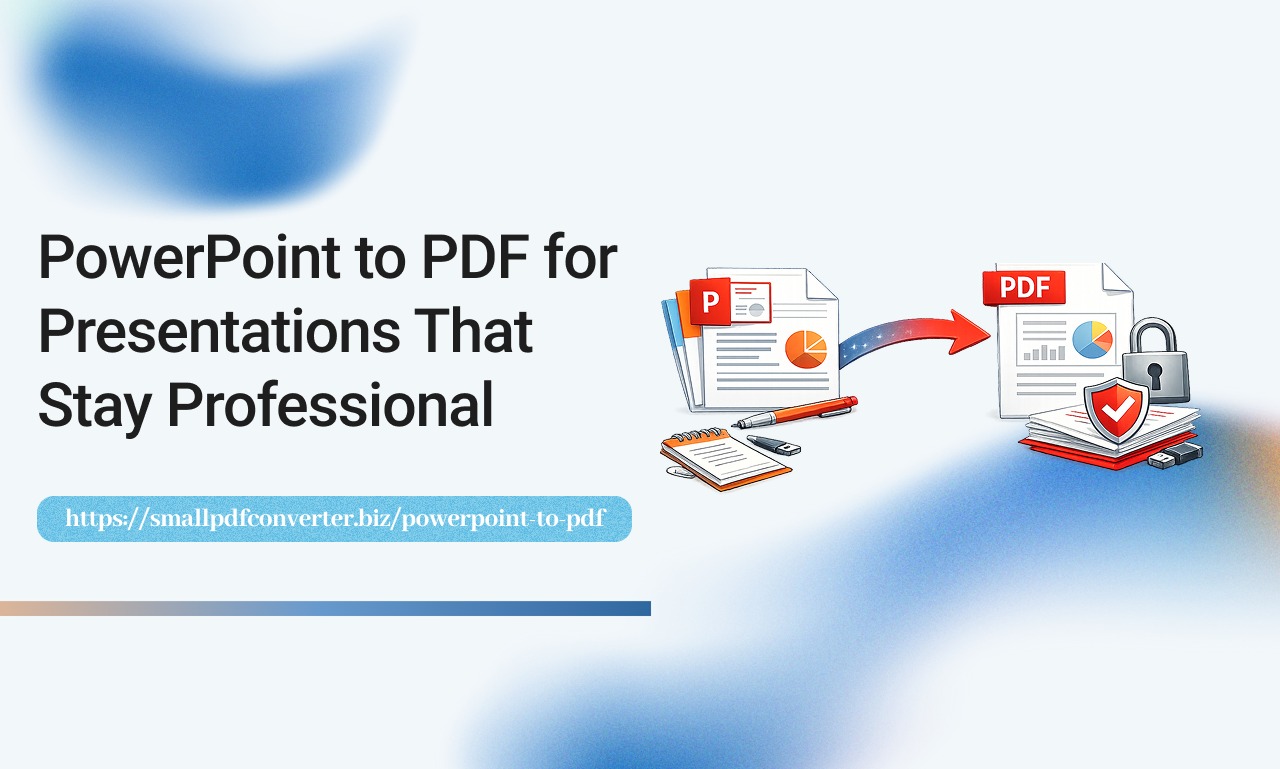
Presentations are often created to communicate ideas clearly and visually. PowerPoint is a popular tool for this purpose, but sharing PowerPoint files is not always practical. Different devices and software versions can affect how slides appear. At Small PDF Converter, we help users turn PowerPoint presentations into PDFs that keep their design consistent.
Why Convert PowerPoint to PDF
PDF files are easier to share and more reliable across platforms. Converting PowerPoint to PDF ensures your presentation looks the same for everyone.
Key benefits include:
- Consistent slide layout
- No risk of accidental edits
- Easy sharing by email or link
- Professional appearance
- Works on all devices
PDFs allow your message to stay clear and controlled.
The Problem With Sharing PowerPoint Files
PowerPoint files depend on software compatibility. Fonts, images, and animations may not display correctly on other systems.
Common issues include:
- Missing fonts
- Layout shifts
- Large file sizes
- Software errors
- Editing mistakes
PDFs solve these problems.
How PowerPoint to PDF Works
The conversion process turns each slide into a fixed format page. This preserves the visual design and prevents content changes.
Your presentation becomes a secure document.
Who Uses PowerPoint to PDF
Many people rely on this conversion.
This includes:
- Business professionals sharing reports
- Students submitting assignments
- Trainers delivering course materials
- Sales teams sending proposals
- Educators preparing lesson packs
It supports both learning and business needs.
The Value of Online Conversion Tools
Online tools remove the need for downloads or installations.
A reliable tool offers:
- Simple file upload
- Fast processing
- Secure downloads
- Device compatibility
- Clean interface
This saves time and effort.
A Closer Look at PowerPoint to PDF
The PowerPoint to PDF tool converts your presentations into polished PDF files while preserving slide quality.
It is designed for ease and speed.
Improve Communication and Sharing
PDF presentations are easier to send and open. They are ideal for email attachments, websites, and digital libraries.
PowerPoint to PDF improves:
- Accessibility
- Reliability
- Professional image
- File security
These advantages strengthen communication.
Protect Your Content
PDFs prevent unwanted changes. This protects intellectual property and ensures the message stays accurate.
Build Trust With Consistency
Consistent visuals create trust. When your slides display perfectly everywhere, your brand appears more professional.
Reference Another Useful Tool
If your presentation contains scanned content, you may also benefit from the OCR PDF tool, which converts images into editable text
Frequently Asked Questions
Will animations be included
Animations are converted into static slides in the PDF.
Can I convert large presentations
Yes, most presentations are supported regardless of size.
Do I need PowerPoint installed
No, everything works through your browser.
Is the file secure
Yes, your files are processed safely and removed after use.
Stay Connected and Supported
For help, updates, or questions, visit our Contact Us page. Convert presentations with confidence and keep your content professional.


