Image to PDF for Simple and Professional Document Creation
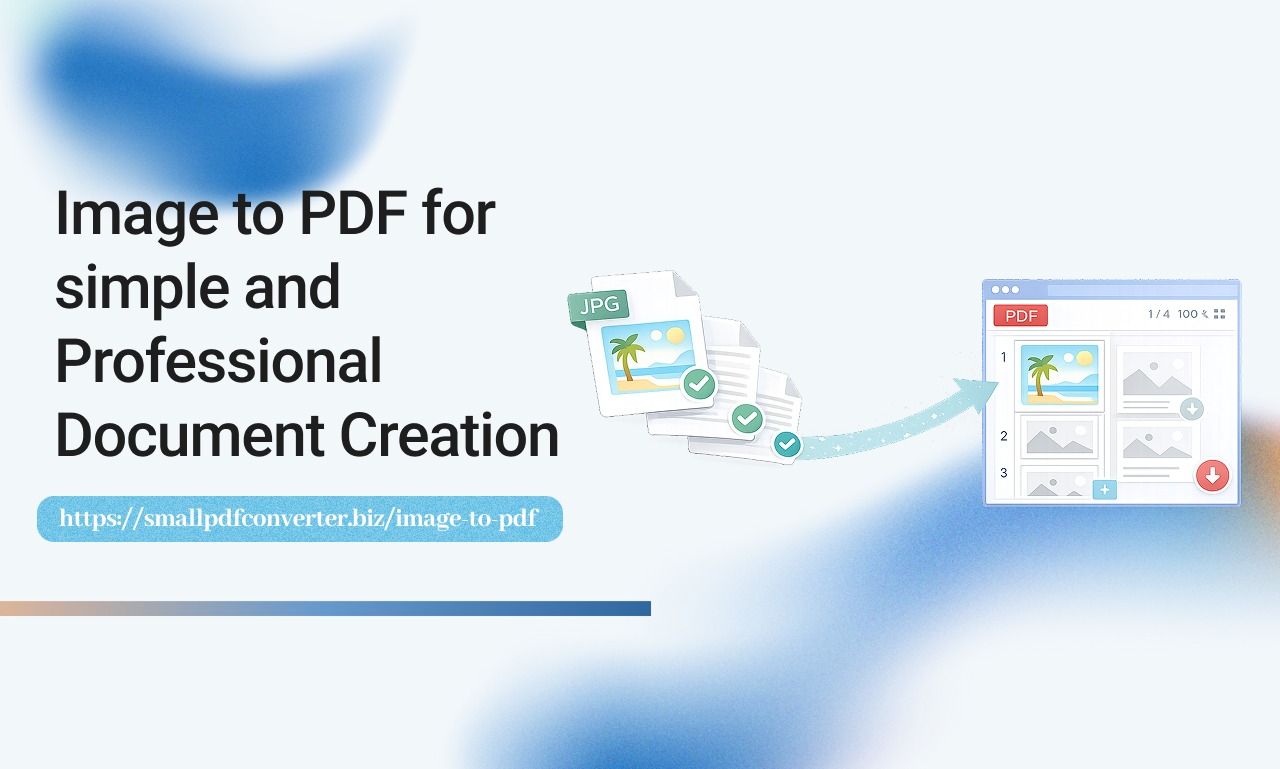
Images are everywhere in our digital lives. Photos of receipts, screenshots, scanned documents, and graphics are often stored as separate files, making them difficult to organise or share in a professional way. While images are useful, they are not always practical when you need a structured document. At Small PDF Converter we help people turn everyday images into polished PDF files that are easier to manage and share. Converting images to PDF allows you to bring multiple files together into one clean document.
Why Converting Images to PDF Makes Sense
Images work well for capturing information, but they lack structure. PDFs provide a universal format that is widely accepted across devices and platforms.
Converting images to PDF helps you:
- Combine multiple images into one file
- Keep content organised
- Share documents more professionally
- Prevent accidental edits
- Store files more efficiently
PDFs give your content a more polished and reliable format.
The Everyday Problems with Image Files
Working with individual image files can become messy over time. Some common challenges include:
- Dozens of files for one document
- Difficulty sending multiple attachments
- Inconsistent file sizes
- Limited printing options
- No clear structure for reading
These issues slow down workflows and create unnecessary confusion.
How Image to PDF Works
Image to PDF tools take one or more image files and convert them into a single PDF document. The images remain visually the same, but they are now organised into pages within one file.
This makes it easier to view, store, and share your content.
Who Benefits from Image to PDF
Many people rely on image to PDF conversion in daily life.
This includes:
- Students submitting handwritten work
- Business owners storing receipts
- Teachers creating worksheets
- Property professionals sharing reports
- Designers presenting visual content
Anyone who works with images can benefit from converting them into PDFs.
How Online Tools Simplify Image Conversion
Modern online tools make the conversion process effortless. You do not need software or technical skills.
A quality tool allows you to:
- Upload images securely
- Arrange them in the correct order
- Convert them into a PDF instantly
- Download the final file
- Share it across any device
This simplicity saves time and reduces frustration.
A Closer Look at Image to PDF
The Image to PDF tool is designed to help you create professional PDFs from images in just a few clicks. It supports multiple file types and allows you to merge them into one structured document.
The interface is clean and intuitive, making it suitable for all users.
Improving Your Digital Workflow
When your images are converted into PDFs, your workflow becomes smoother. Files are easier to manage, and collaboration becomes more efficient.
Image to PDF helps you:
- Reduce clutter
- Improve document organisation
- Share content professionally
- Save storage space
- Stay productive
These improvements create a more organised digital environment.
Trust and Security
Online document tools should handle your files responsibly. A reliable platform processes your files securely and removes them after conversion.
This ensures privacy and peace of mind.
Why Simplicity Matters
The best tools feel natural to use. They guide you through each step without confusion.
Image conversion should feel helpful, not technical.
Make Your Images Work for You
By converting images into PDFs, you transform scattered files into meaningful documents. This allows your content to feel more structured and professional.
Small changes like this make a big difference.
Reference Another Useful Tool
After converting images, you may want to reduce file size for easier sharing. The Compress PDF tool is ideal for keeping your new PDFs lightweight and efficient.
Frequently Asked Questions
Can I convert multiple images into one PDF file
Yes, you can upload several images and combine them into a single PDF document.
Will the quality of my images change after conversion
No, the images remain visually the same while being organised into a PDF format.
Do I need to install any software
No, everything works directly in your browser without downloads or installations.
Can I use this tool on my phone
Yes, the tool works on mobile, tablet, and desktop devices.
Stay Connected and Supported
If you need guidance, support, or want to explore more features, our team is always ready to help through the Contact Us page. Turn your images into professional documents and enjoy a smarter way to work.


