Grayscale PDF for Cleaner and More Practical Documents
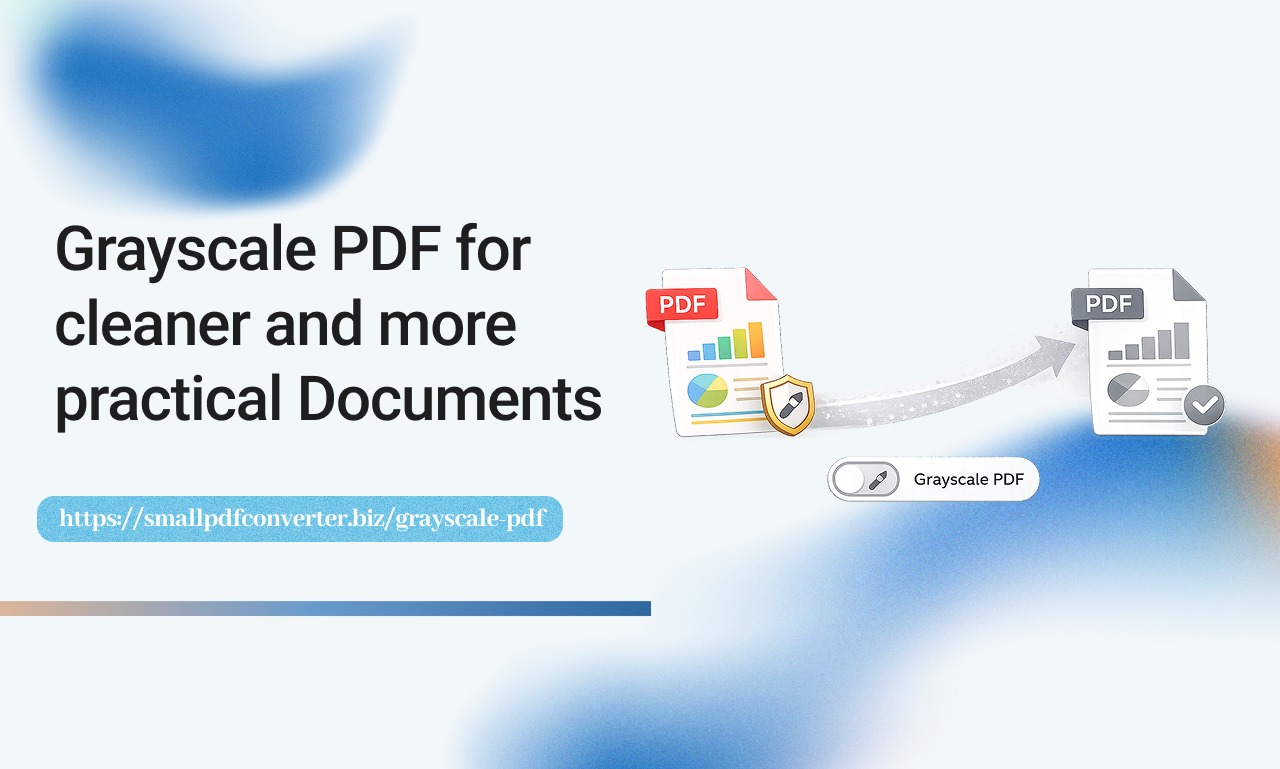
Colour PDFs can look great on screen, but they are not always practical. When it comes to printing, sharing, or archiving documents, colour often creates unnecessary distractions and higher costs. Many users prefer clean grayscale files that are easier to read and more economical to manage. At Small PDF Converter we help people simplify their documents with tools that focus on clarity and efficiency. Converting PDFs to grayscale allows you to remove visual clutter and create files that feel more professional and consistent
Why Grayscale Matters in PDF Files
Grayscale conversion removes colour and replaces it with shades of grey. This improves readability and reduces printing costs while keeping the content intact.
Grayscale PDFs help you:
- Save ink when printing
- Create cleaner documents
- Improve text clarity
- Maintain a professional look
- Reduce file complexity
These benefits make grayscale ideal for reports, manuals, and contracts.
The Common Problems with Colour PDFs
Colour files often cause practical issues in everyday work. Some of the most common challenges include:
- High ink consumption
- Inconsistent printing results
- Distracting visuals
- Larger file sizes
- Poor readability on older printers
These problems are easily avoided by using grayscale.
How Grayscale PDF Works
Grayscale tools convert every element in a PDF into grey tones. Text, images, and graphics become balanced and consistent.
This process does not remove content. It simply changes how it appears.
Who Benefits from Grayscale PDFs
Many professionals rely on grayscale for clarity and consistency.
This includes:
- Business owners preparing reports
- Students printing assignments
- Teachers sharing learning materials
- Accountants managing records
- Legal professionals handling contracts
Grayscale improves the visual quality without unnecessary extras.
How Online Tools Simplify Grayscale Conversion
Modern online tools allow you to convert PDFs without technical skills. You simply upload your file and download the grayscale version.
A quality tool lets you:
- Upload securely
- Convert instantly
- Maintain layout
- Reduce visual noise
- Download in seconds
This ease makes document management effortless.
A Closer Look at Grayscale PDF
The Grayscale PDF tool provides a simple way to convert colour documents into clean grayscale files. It is built for users who value efficiency and clarity.
You can convert files quickly and maintain professional formatting.
Improving Your Digital Workflow
Grayscale documents are easier to review, share, and store. They feel lighter and more focused.
Grayscale helps you:
- Reduce distractions
- Improve document consistency
- Lower printing costs
- Share cleaner files
- Stay organised
These improvements create a smoother workflow.
Trust and Security
Online document tools must protect your content. Reliable platforms handle files securely and remove them after processing.
This ensures peace of mind while working online.
Why Simplicity Makes a Difference
The best tools feel intuitive and supportive. They make tasks easier instead of more complex.
Grayscale conversion should feel helpful, not technical.
Make Your Documents Work Better
Grayscale allows your content to stand out without unnecessary colour. It creates balance and improves clarity.
Simple changes lead to better results.
Reference Another Useful Tool
If your grayscale files are still large, you may want to reduce their size using the Compress PDF tool for easier sharing and storage.
Stay Connected and Supported
If you need help, guidance, or want to explore more features, our team is always ready to assist through the Contact Us


